Description
NovaStar CMS260 All-in-One Controller Overview
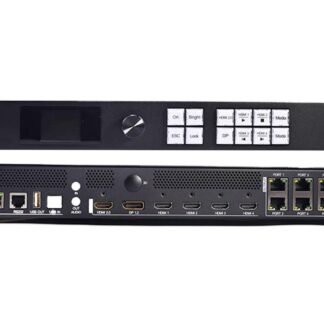
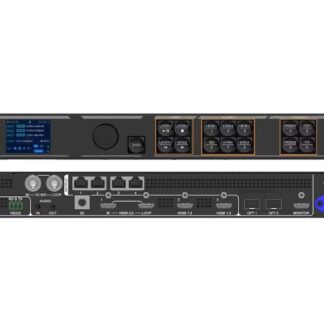
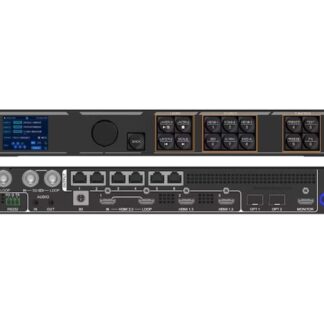
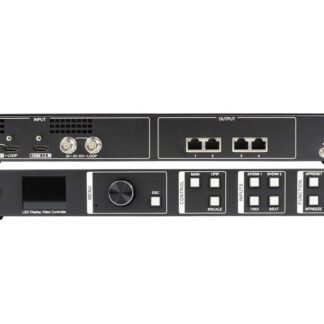
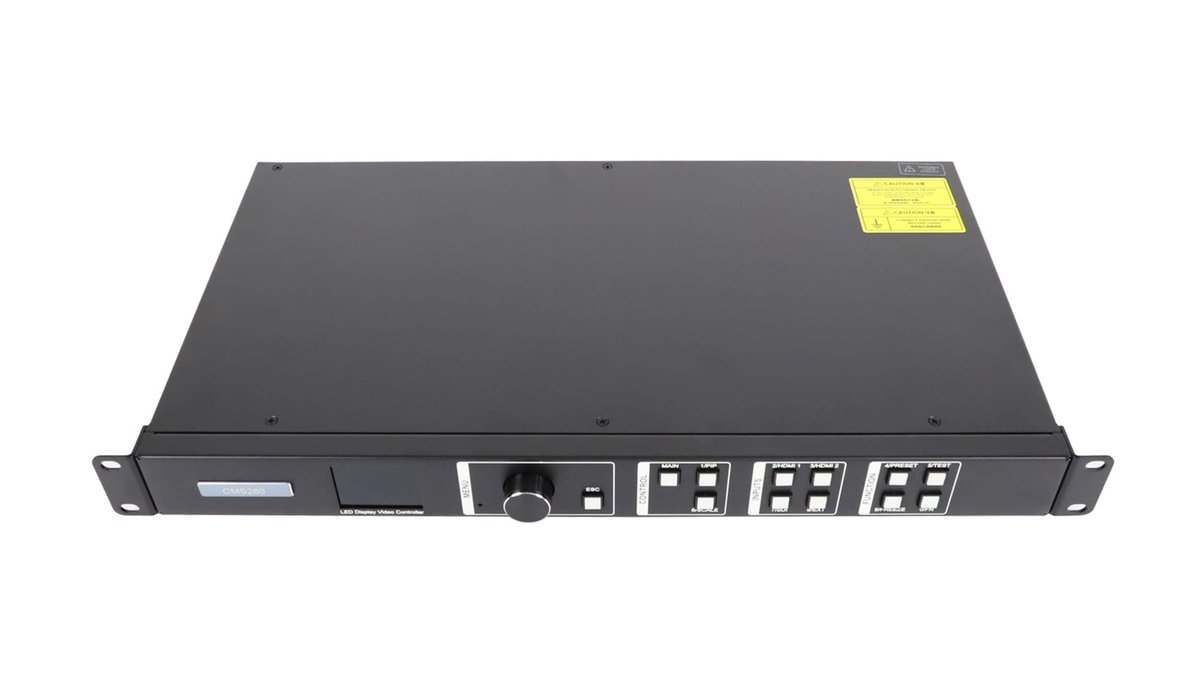
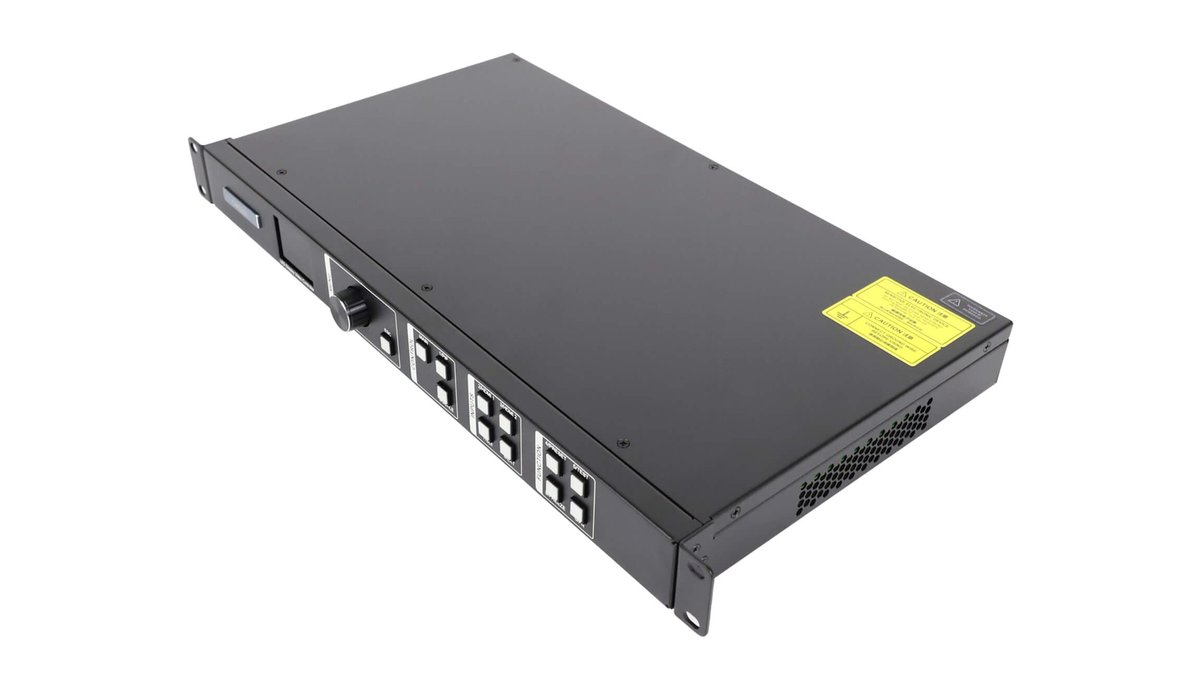
The NovaStar CMS260 is a hardware-based all-in-one LED video controller that combines video processing and LED screen control in one unit. Its four Gigabit Ethernet outputs support a total load of up to 2.6 million pixels, with a maximum output width or height of 3840 pixels.
Built for professional LED display systems, the CMS260 accepts HDMI 1.3 and 3G-SDI sources, provides stepless scaling and input cropping, and supports multi-level backup. It is a practical choice for rental LED screens, stage control systems and fine-pitch installations that need processing and sending functions in a single device. Browse more NovaStar LED control products for other system capacities. For manufacturer information, visit the official NovaStar website.
CMS260 Key Specifications
| Model | NovaStar CMS260 |
|---|---|
| Controller type | All-in-one LED video controller and processor |
| Maximum load capacity | Up to 2.6 million pixels |
| Maximum output dimensions | Width up to 3840 pixels; height up to 3840 pixels |
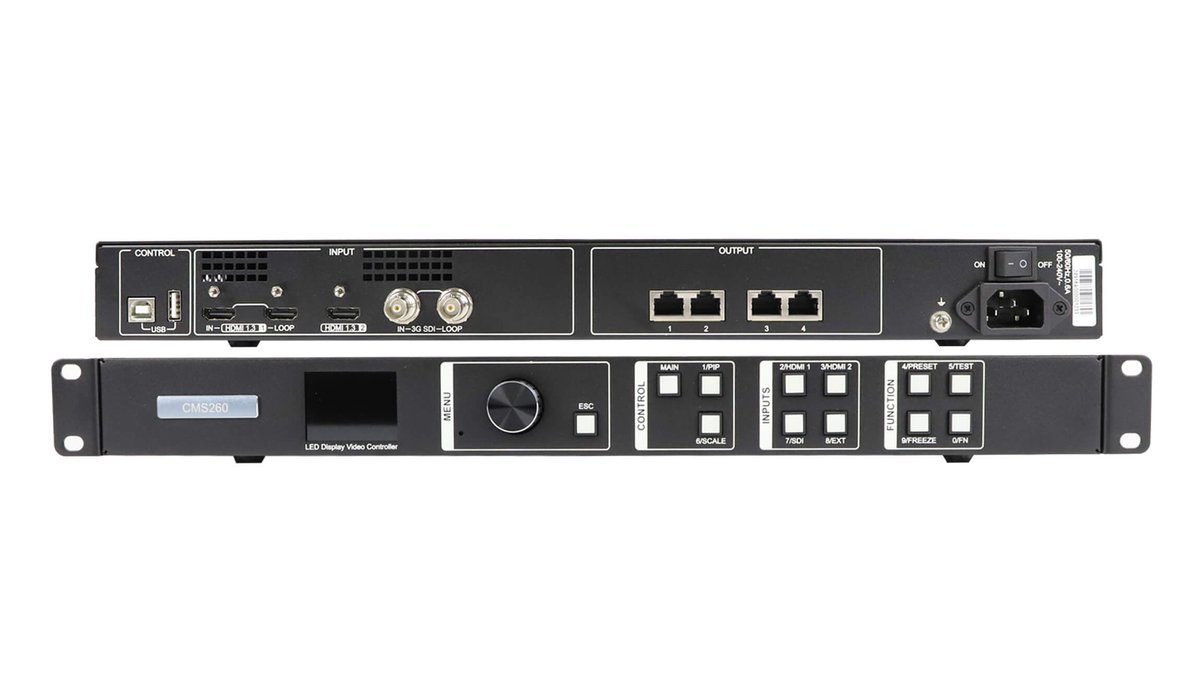
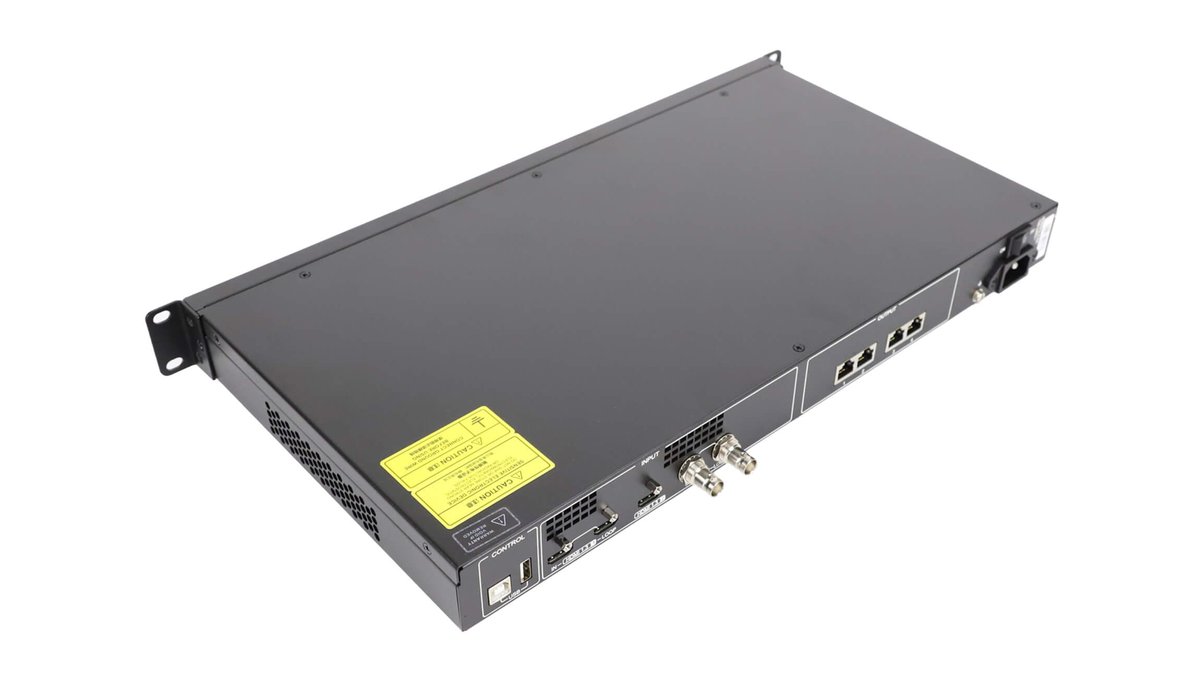
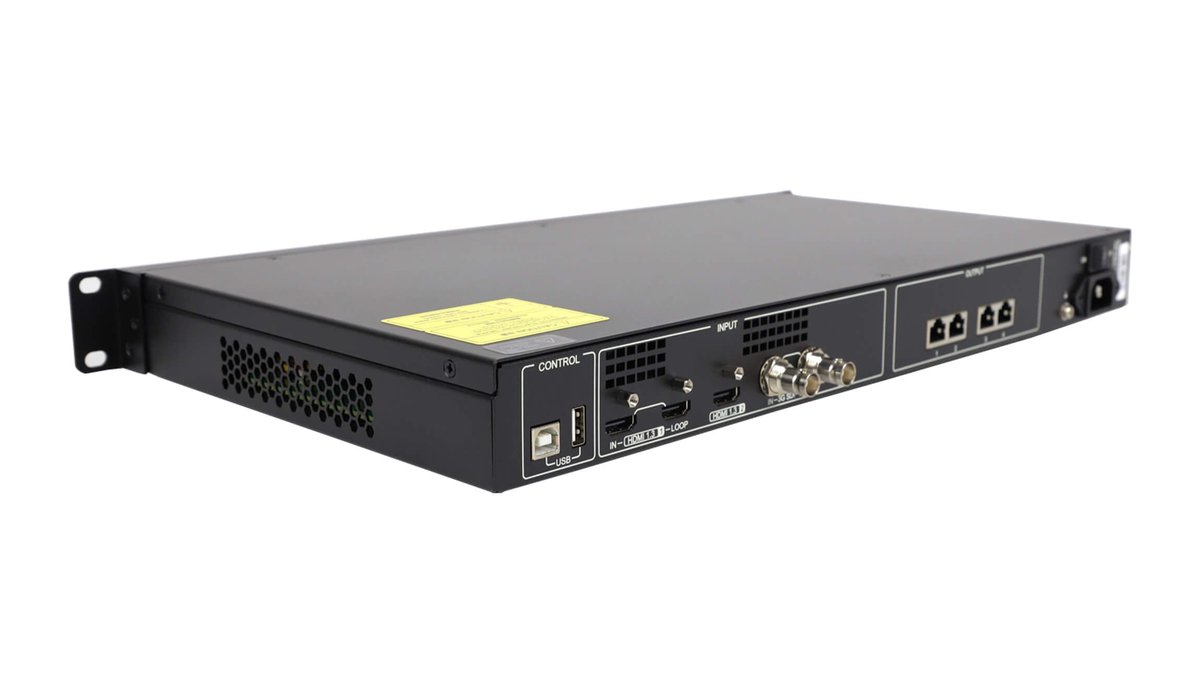
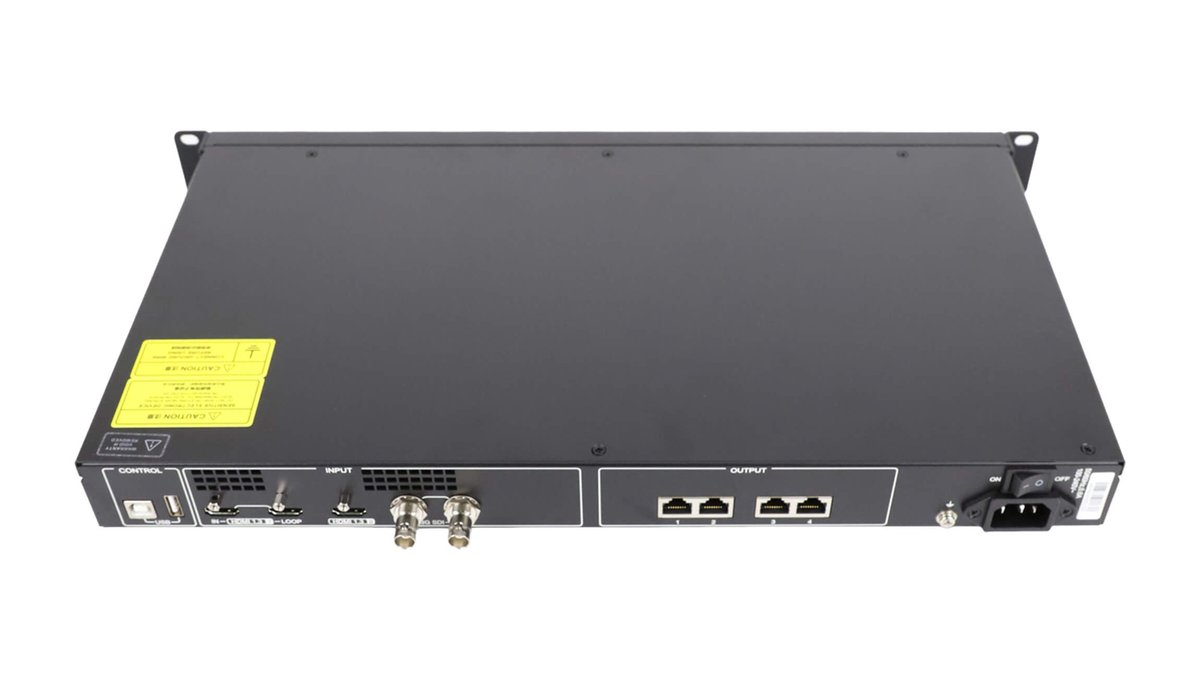
| Video inputs | 1 x HDMI 1.3 input with loop, 1 x HDMI 1.3 input, 1 x 3G-SDI input with loop |
| LED outputs | 4 x Gigabit Ethernet ports |
| Layers | 2 adjustable layers |
| User presets | Up to 10 |
| Cascading | Up to 4 units for image mosaic |
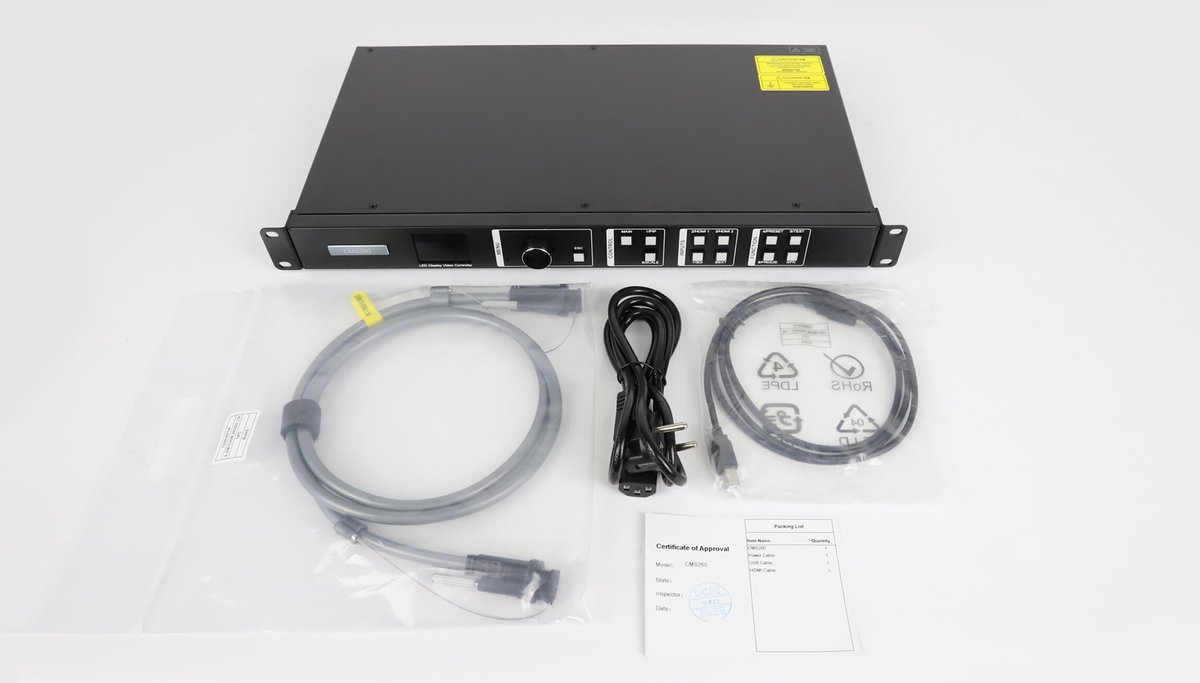
| Control methods | NovaLCT or front-panel knob and buttons |
Core Features
- Integrated processing and sending: One device handles source processing, scaling and LED screen output.
- 2.6-million-pixel capacity: Four Gigabit Ethernet ports distribute content to the LED receiving-card system.
- Flexible source connectivity: HDMI 1.3 and 3G-SDI inputs include loop-through options for signal distribution.
- Two adjustable layers: Change layer size, position and priority to build the required screen layout.
- SuperView III processing: Supports stepless output scaling, one-click full-screen display and free input cropping.
- Output synchronization: Use an internal input source as the synchronization source for cascaded units.
- Ten user presets: Save and recall repeatable configurations for faster setup and source changes.
- Multi-level hot backup: Configure backup between devices, Ethernet ports and input sources.
- Backup testing: Check stored images, backup Ethernet ports and backup devices without unplugging cables.
- Image quality management: Adjust brightness, saturation, contrast and hue.
- Pixel-level calibration: Work with NovaLCT and calibration software to improve LED brightness and chroma consistency.
- Audio support: HDMI carries audio input; audio can be output through a multifunction card with volume adjustment.
Is the NovaStar CMS260 Right for Your LED Screen?
Choose the CMS260 when the complete LED canvas is within 2.6 million pixels, four Gigabit Ethernet outputs match the receiving-card layout, and the source system uses HDMI 1.3 or 3G-SDI. It is especially useful when a project needs scaling, cropping, presets and backup without adding a separate video processor.
- Rental and staging: Save repeatable presets, switch sources and use hot backup for live-event workflows.
- Stage control systems: Synchronize outputs and cascade up to four CMS260 units for larger image mosaics.
- Fine-pitch LED displays: Use pixel-level brightness and chroma calibration to improve screen consistency.
- Fixed installations: Operate from the front panel or NovaLCT and test backup paths without disconnecting cables.
Before ordering, confirm the screen’s total pixel count, the number of Ethernet output paths, the source interface and the receiving-card wiring. A higher-capacity controller is required if the total LED load exceeds 2.6 million pixels.
Typical Setup Workflow
- Calculate the total LED screen resolution and confirm that it does not exceed 2.6 million pixels.
- Connect the HDMI 1.3 or 3G-SDI source and route the four Ethernet outputs to the receiving-card network.
- Configure the screen, output mapping and image parameters in NovaLCT.
- Set layer size and position, then apply scaling or input cropping as needed.
- Save the finished configuration as a preset and verify backup sources, ports or devices before operation.
Technical Specifications
| Electrical Parameters | |
|---|---|
| Power connector | 100-240 V AC, 0.6 A, 50/60 Hz |
| Rated power consumption | 28 W |
| Operating Environment | |
| Operating temperature | -20 C to +60 C |
| Operating humidity | 0% RH to 80% RH, non-condensing |
| Storage Environment | |
| Storage temperature | -20 C to +70 C |
| Storage humidity | 0% RH to 95% RH, non-condensing |
| Physical Specifications | |
| Dimensions | 482.6 x 250 x 50.1 mm |
| Net weight | 3.2 kg |
| Typical noise level at 25 C / 77 F | 45 dB(A) |
| Packing Information | |
| Included accessories | 1 x power cord, 1 x USB cable, 1 x HDMI cable and 1 x Certificate of Approval |
| Packing size | 550 x 175 x 400 mm |
| Gross weight | 5.3 kg |
Frequently Asked Questions
What is the NovaStar CMS260?
The CMS260 is an all-in-one LED video controller that combines video processing, image scaling and LED screen sending in one hardware unit.
How many pixels can the CMS260 control?
One CMS260 supports a total load of up to 2.6 million pixels through four Gigabit Ethernet output ports. The maximum output width and maximum output height are each up to 3840 pixels.
Which video inputs does the CMS260 support?
It provides one HDMI 1.3 input with loop-through, one additional HDMI 1.3 input, and one 3G-SDI input with loop-through.
Does the CMS260 support scaling and cropping?
Yes. SuperView III processing provides stepless output scaling, one-click full-screen display and free input cropping. Layer size, position and priority are also adjustable.
What backup options are available?
The CMS260 supports hot backup between devices, between Ethernet ports and between input sources. Its backup test can verify stored images and backup paths without unplugging Ethernet cables.
Can multiple CMS260 units be cascaded?
Yes. Up to four units can be cascaded for image mosaic applications, with an internal input source available for output synchronization.
How is the CMS260 controlled?
Operators can configure and control the device with NovaLCT or use the knob and buttons on the front panel.
What is the operating temperature range?
The specified operating temperature is -20 C to +60 C, with 0% RH to 80% RH non-condensing operating humidity.
Download the CMS260 Specification
Download the NovaStar CMS260 All-in-One LED Video Controller specification PDF for detailed product reference information.